

Description
Download PrivateVPN – Secure Fast VPN for Windows, Mac, Android & iOS
Overview
PrivateVPN is a straightforward yet powerful virtual private network (VPN) service that prioritises security, speed, and ease of use. In today’s hyper‑connected world, protecting personal data from hackers, invasive advertisers, and even government surveillance has become a non‑negotiable requirement. PrivateVPN answers that call by creating an encrypted tunnel between your device and the internet, ensuring every packet that leaves your computer, smartphone, or tablet is wrapped in robust AES‑256 encryption. Whether you’re browsing from the comfort of your home Wi‑Fi or hopping onto a public hotspot at a café, PrivateVPN guarantees that your online activities remain private and your identity stays hidden. The service also boasts a sprawling network of more than 200 servers across 63 countries, granting you the freedom to bypass geo‑restrictions, unblock streaming platforms, and enjoy unrestricted content from anywhere on the globe. While the free trial lasts only seven days, it gives you a risk‑free chance to test the speeds, stability, and overall user experience before committing to a subscription. For anyone seeking a blend of top‑tier security, reliable performance, and a user‑friendly interface, PrivateVPN emerges as a compelling choice in the crowded VPN marketplace.
Key Features & Performance
- Strong AES‑256 encryption with support for WireGuard, OpenVPN, and IKEv2 protocols.
- Fast, unlimited bandwidth – ideal for 4K streaming, large downloads, and gaming.
- No‑logs policy – PrivateVPN never records your browsing history, IP address, or traffic metadata.
- 200+ servers in 63 countries, providing diverse location options for geo‑unblocking.
- Multi‑platform support: Windows, macOS, Linux, iOS, Android, and router installations.
- Dedicated streaming servers for Netflix, Hulu, BBC iPlayer, and more.
- Kill switch and DNS leak protection to keep you safe even if the VPN connection drops.
- Split tunneling for selective routing of traffic through the VPN.
From a performance perspective, PrivateVPN consistently delivers low latency and high throughput, thanks in part to its adoption of the WireGuard protocol. Users report download speeds that rival their native ISP connections, making it a solid option for bandwidth‑intensive activities such as video conferencing, online gaming, and large file transfers. While gaming performance can vary depending on the chosen server, PrivateVPN’s “Gaming Optimised” nodes aim to minimise ping spikes and maintain a stable connection. The built‑in kill switch ensures that your IP address never leaks unintentionally, automatically cutting off all internet traffic if the VPN tunnel is interrupted. Additionally, the split‑tunnelling feature gives power users granular control over which applications route through the encrypted tunnel, preserving local network speeds for non‑sensitive traffic. Overall, PrivateVPN balances security and speed without demanding deep technical knowledge, making it accessible for beginners while still offering advanced options for seasoned users.
Installation & Compatibility
Installing PrivateVPN is intentionally simple. After purchasing a plan or starting the 7‑day trial, you receive a download link tailored to your operating system. The Windows installer guides you through a typical setup wizard, offering optional features such as start‑up on boot and automatic updates. macOS users benefit from a native .dmg package that integrates seamlessly with the system’s security framework, while Android and iOS applications are available directly from Google Play and the Apple App Store, respectively. Linux enthusiasts can opt for the command‑line client or use the OpenVPN configuration files provided on the user dashboard.
PrivateVPN supports the following platforms:
- Windows 10, 11 (64‑bit)
- macOS 10.13 and later
- Linux distributions (Ubuntu, Debian, Fedora, etc.)
- iOS 12.0+ (iPhone & iPad)
- Android 6.0+ (smartphones, tablets, and Android TV)
- Router firmware (OpenWrt, DD‑WRT) for whole‑home protection
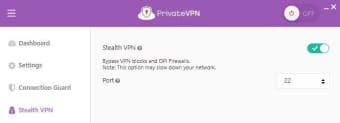
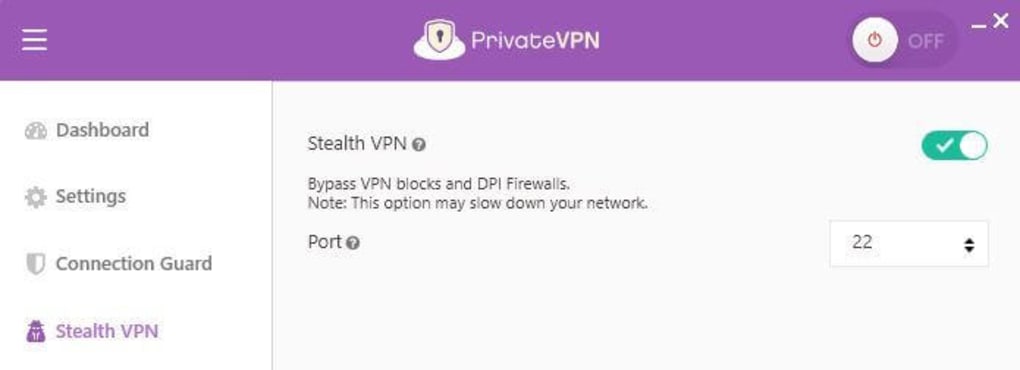
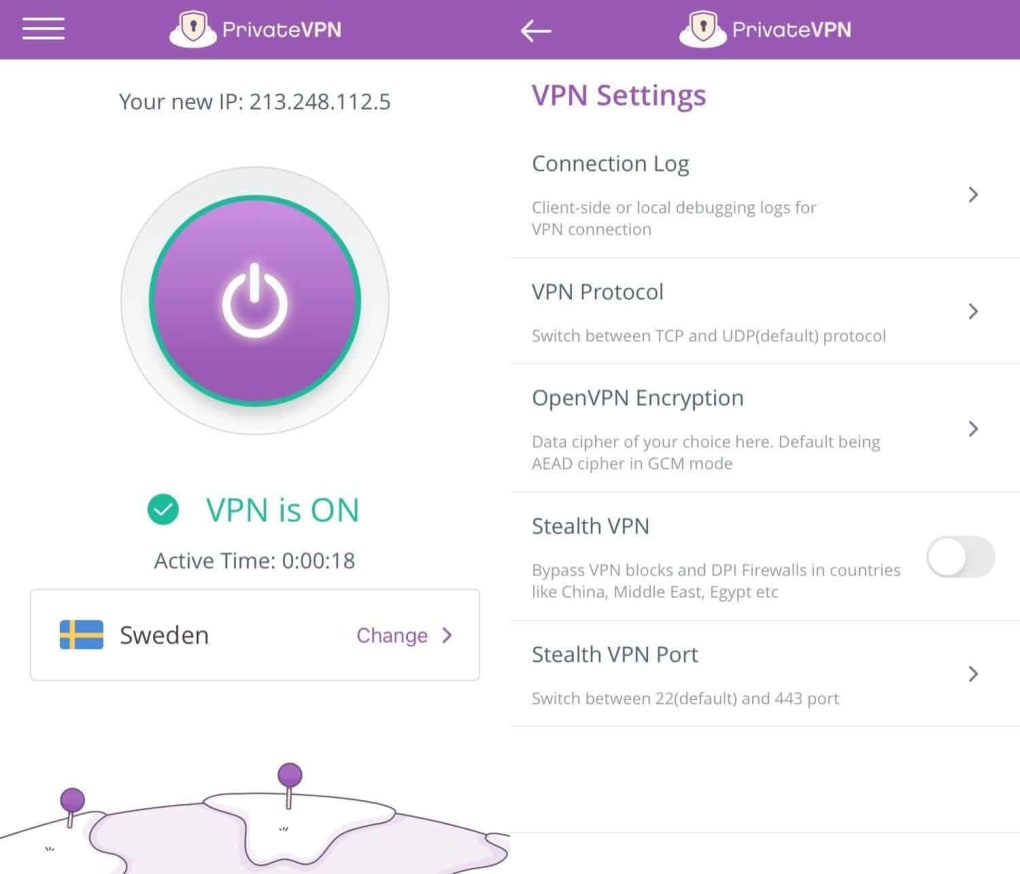
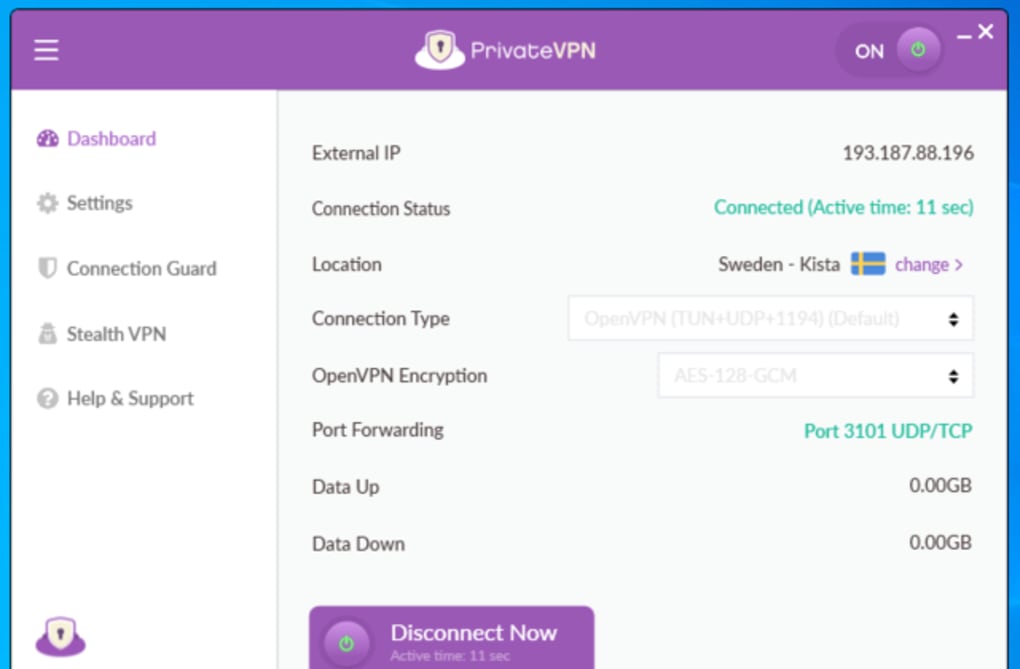
After installation, launching the app presents a clean dashboard with a single “Connect” button, a server list, and quick‑access toggles for kill switch, split tunnelling, and protocol selection. Selecting a server is as easy as clicking on a country flag; the app then establishes the encrypted tunnel within seconds. For users who prefer manual configuration, PrivateVPN supplies detailed guides for setting up the service on third‑party clients, including the built‑in VPN settings on iOS/macOS and the network manager on Linux. Regular automatic updates ensure that the client stays compatible with the latest OS releases and security patches, reducing the maintenance burden on end‑users.
Pros, Cons, FAQ & Conclusion
Pros
- High‑speed servers with unlimited bandwidth.
- Strong encryption and a strict no‑logs policy.
- Broad device compatibility, including routers.
- User‑friendly interface suitable for beginners.
- 7‑day free trial plus 30‑day money‑back guarantee.
Cons
- Limited server count compared to some premium competitors.
- No native split‑tunnelling on iOS (requires manual config).
- Pricing is slightly higher than entry‑level VPNs.
Frequently Asked Questions
Is PrivateVPN free?
PrivateVPN offers a 7‑day trial that is free of charge, though you must provide a credit‑card for activation. After the trial, you need to choose a paid subscription. A 30‑day money‑back guarantee is also available.
Does PrivateVPN work with streaming services?
Yes. PrivateVPN provides dedicated streaming servers that can unblock Netflix, Hulu, BBC iPlayer, Amazon Prime Video, and many other platforms. Performance varies by server, but most users enjoy smooth 1080p and even 4K playback.
Can I use PrivateVPN for gaming?
PrivateVPN can be used for gaming, and it offers “Gaming Optimised” nodes that aim to keep latency low. However, any VPN may introduce a slight increase in ping, so testing with your specific game and server location is recommended.
What VPN protocols does PrivateVPN support?
PrivateVPN supports WireGuard, OpenVPN (UDP/TCP), and IKEv2/IPSec, giving users the flexibility to choose between speed (WireGuard) and compatibility (OpenVPN).
Is there a limit on simultaneous connections?
Yes. PrivateVPN allows up to 5 simultaneous device connections per account, which is sufficient for most families or small teams.
Conclusion & Call to Action
In a market flooded with VPN options, PrivateVPN distinguishes itself through a clean interface, reliable security, and respectable speeds across all major platforms. While it doesn’t boast the massive server footprint of industry giants, its 200+ servers in strategic locations are more than adequate for everyday browsing, streaming, and even occasional gaming. The 7‑day trial and 30‑day money‑back guarantee lower the barrier to entry, allowing you to test the service without risk. If you value a straightforward setup, solid encryption, and a no‑logs promise, PrivateVPN is a solid investment. Ready to protect your digital life? Download PrivateVPN now and experience secure, fast internet on any device.
Guides & Tutorials for Private VPN
How to install Private VPN
- Click the Preview / Download button above.
- Once redirected, accept the terms and click Install.
- Wait for the Private VPN download to finish on your device.
How to use Private VPN
This software is primarily used for its core features described above. Open the app after installation to explore its capabilities.
User Reviews for Private VPN 0
No reviews found





.webp)